
Set up the Jiyu Member App
Save the Jiyu Member App to your phone so your class schedule, academy updates, progress, and member profile are always close by.
Open members.jiyubjj.com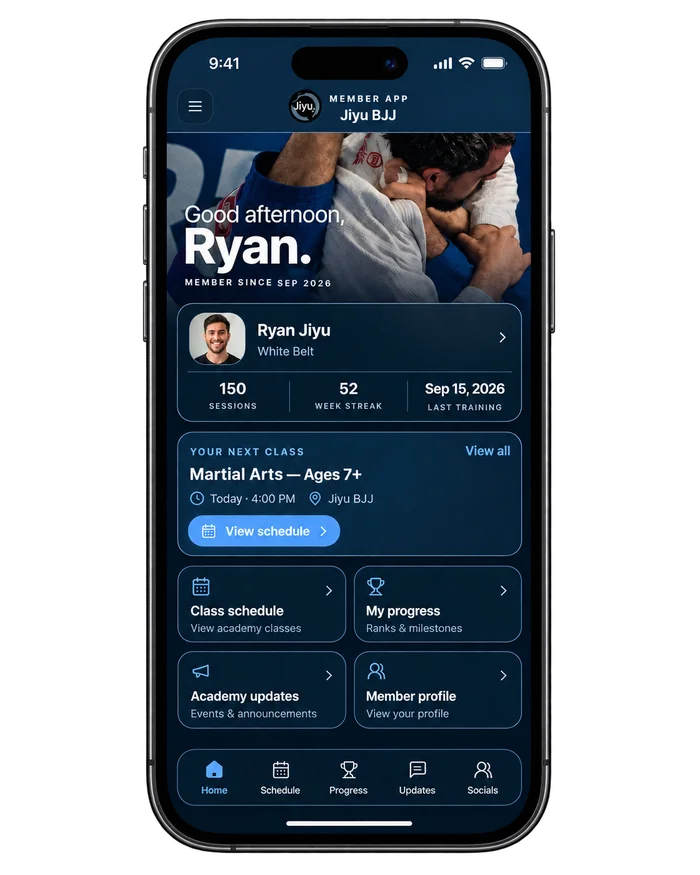
Save it to your home screen
Open the member app on your phone first, then follow the steps for your device.
iPhone
- Select the three dots in the bottom-right corner.
- Select Share.
- Scroll down and select “Add to Home Screen.”
- Complete the setup.
Android
- Select the three vertical dots in the top-right corner.
- Select “Add to Home Screen” or “Install App.”
- Complete the setup.
Once the app is saved to your home screen, tap it anytime to open Jiyu BJJ.
Open the Member App